Sales Pipeline Automation Checklist That Pays
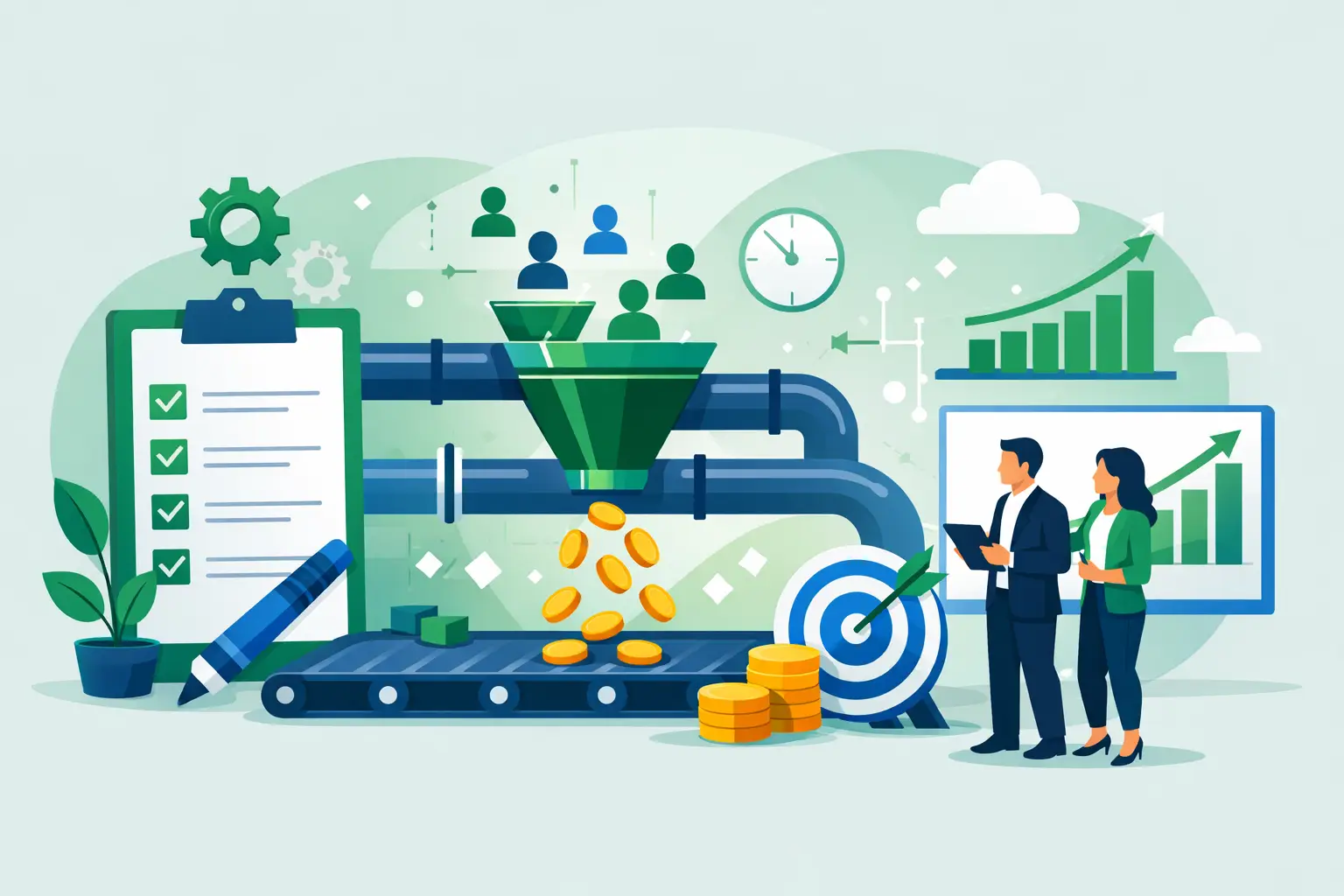
A lot of sales pipelines do not have a lead problem. They have a delay problem.
A prospect fills out a form at 10:14 a.m. Nobody responds until 2:30 p.m. The rep forgets to log the call. The estimate sits in someone’s inbox. Follow-up depends on memory. A week later, the owner says leads are weak when the real issue is that the pipeline leaks at every handoff. A good sales pipeline automation checklist fixes that by forcing you to look at where time, money, and opportunities are actually being lost.
If you run a service business, this matters more than most people think. Small gaps in speed and consistency compound fast. Ten missed follow-ups a month, a few stale estimates, and a couple of no-shows that never got reminder texts can quietly cost tens of thousands a year. Automation is not about adding shiny software. It is about removing manual failure points from revenue.
What a sales pipeline automation checklist should actually do
Most checklists are too shallow. They tell you to automate emails, use a CRM, and set reminders. That is not enough. A useful sales pipeline automation checklist should help you answer three business questions.
First, where does revenue stall? Second, which steps are repetitive enough to automate safely? Third, what is the dollar value of fixing those steps?
That last point is where most teams get lazy. If you cannot tie an automation to faster response time, fewer no-shows, better rep output, or higher close rate, it is probably not your next priority. The right automation is the one that pays back quickly, not the one with the fanciest demo.
Start with the pipeline you have, not the one you wish you had
Before you automate anything, map the real pipeline. Not the process in your SOP folder. The actual one your team follows on a busy Tuesday.
For most service businesses, that means tracking the path from new lead to contact attempt, qualification, appointment, estimate, follow-up, closed won, closed lost, and handoff to onboarding. If leads come from multiple sources, note that too. Google Ads leads may need one response flow. Referral leads may need another. Existing customer upsells usually need something else entirely.
This is where owners often find the first hard truth. Different reps are running different pipelines. One person calls in five minutes. Another waits a day. One tags opportunities correctly. Another leaves records half-finished. If the inputs are inconsistent, the reporting is fiction.
The sales pipeline automation checklist
1. Lead capture is instant and centralized
Every lead source should feed into one system automatically. Web forms, call tracking, chat, text, booked appointments, and referral submissions should not be manually copied from tool to tool.
If leads are still being forwarded by email or entered by hand, start there. Manual lead entry creates delays, missing records, and attribution problems. It also makes it impossible to trust your numbers.
2. New leads trigger immediate action
A new lead should create an instant sequence of actions: record created, source tagged, owner assigned, and first contact sent or task generated. For some businesses, that means an automated text and email acknowledgment within 60 seconds. For others, it means routing the lead to the right rep based on territory, service type, or urgency.
Speed matters, but blind speed can hurt. If your business handles high-consideration sales, the first response should still sound human and relevant. Automation should shorten the gap, not make you sound like a bot.
3. Qualification is standardized
If your team qualifies leads on calls, forms, or intake questionnaires, the criteria need to be consistent. Budget, location, service type, urgency, decision-maker status, and disqualifiers should be captured the same way every time.
This is one of the easiest places to save hours. Instead of reps asking the same admin questions manually, automation can collect the basics before the first call or push structured prompts into the CRM during intake.
4. Pipeline stages are clear and measurable
Your CRM stages should reflect real buying steps, not vague labels. “Interested” is weak. “Appointment scheduled” is clear. “Estimate sent” is clear. “Waiting on documents” is clear.
Each stage should have an entry condition, an exit condition, and a defined next action. If a lead can sit in a stage with no timer, no owner, and no trigger, that stage is a parking lot.
5. Follow-up is system-driven, not memory-driven
This is where the biggest revenue recovery usually sits. Most teams do not lose deals because they never made first contact. They lose them because follow-up falls apart after the first touch.
Every active opportunity should have an automated next step: reminder task, email, text, call queue update, or escalation after inactivity. The cadence should match the deal type. A roofing lead and a B2B compliance lead do not need the same sequence.
It depends on your sales cycle, but one rule is universal: if follow-up only happens when a rep remembers, it will not happen consistently enough.
6. Appointments have confirmations and reminders
If your pipeline includes consultations, site visits, demos, or discovery calls, automate confirmations, reminders, and reschedule prompts. This is low drama, high return work.
No-shows waste selling time and break rep momentum. A simple reminder flow can recover hours each week, especially for clinics, agencies, and service teams with full calendars.
7. Estimates and proposals do not get stuck
Once a quote, estimate, or proposal is requested, the system should track it automatically. That means status visibility, due dates, internal reminders, and follow-up once it is sent.
A surprising number of businesses lose deals because proposals sit unbuilt or go out with no chase sequence behind them. If your owner still asks, “Did we ever send that?” you have a systems problem, not a sales problem.
8. Stalled deals trigger alerts
Set thresholds for inactivity. If a deal sits untouched for three days, five days, or whatever fits your cycle, the system should flag it. That alert can go to the rep, the manager, or both.
This matters because stalled deals rarely fix themselves. They usually rot quietly until the monthly pipeline review, when it is too late.
9. Closed-lost reasons are captured automatically
If you want to improve close rates, you need pattern data. Price, timing, competitor, no response, not qualified, and no decision should be logged in a consistent way.
Without this, owners end up guessing. They think the market changed when the real issue might be slow response time or weak proposal follow-up.
10. Won deals hand off cleanly to fulfillment
A sale is not complete when the contract is signed. If onboarding, scheduling, billing, or client intake starts with a messy handoff, your team creates downstream chaos the moment revenue comes in.
The right automation passes key details from sales into delivery automatically. That includes scope, contact info, booked dates, notes, documents, and payment status. This is where automation stops being a sales tool and starts protecting retention and margin.
What to automate first
Do not automate the whole pipeline in one shot unless your process is already disciplined. That is how businesses end up with expensive software and broken logic.
Start with the areas that hit money fastest: lead capture, first response, follow-up, appointment reminders, and stalled-deal alerts. Those usually affect speed to lead, rep productivity, and close rate within weeks, not months.
After that, clean up qualification and handoff. Those fixes often save payroll hours and reduce avoidable errors, but they depend on your team actually using the earlier stages correctly.
Common mistakes that make automation fail
The biggest mistake is automating a bad process. If your reps do not agree on stage definitions or qualification rules, automation will just scale confusion.
The second mistake is overbuilding. Service businesses do not need a 47-step workflow because a software consultant said they could have one. They need a system their team will use under pressure.
The third mistake is ignoring economics. If a workflow saves six minutes a week but takes months to build and maintain, it is probably not worth touching yet. The best automation work is boring, measurable, and profitable.
How to know if your checklist is working
You do not need a giant dashboard. You need a few numbers you can trust.
Watch speed to first contact, percentage of leads contacted within target time, appointment show rate, proposal turnaround time, follow-up completion rate, stage conversion rates, and close rate by source. If those numbers improve and admin time drops, the automation is doing its job.
If activity goes up but conversions do not, that is your signal to review message quality, qualification, or offer fit. Automation can improve execution. It cannot rescue a bad sales process or weak positioning.
For growing service businesses, a sales pipeline automation checklist is not a tech exercise. It is an operating discipline. Done right, it turns scattered effort into a system that responds faster, follows up consistently, and hands off cleanly. That means fewer dropped leads, fewer wasted payroll hours, and a pipeline you can actually scale without adding chaos.
Want to know exactly where AI could save you 20+ hours a week? Book a free call at nilsdigital.com/automation.



