How to Automate Billing Reminders Without Chasing
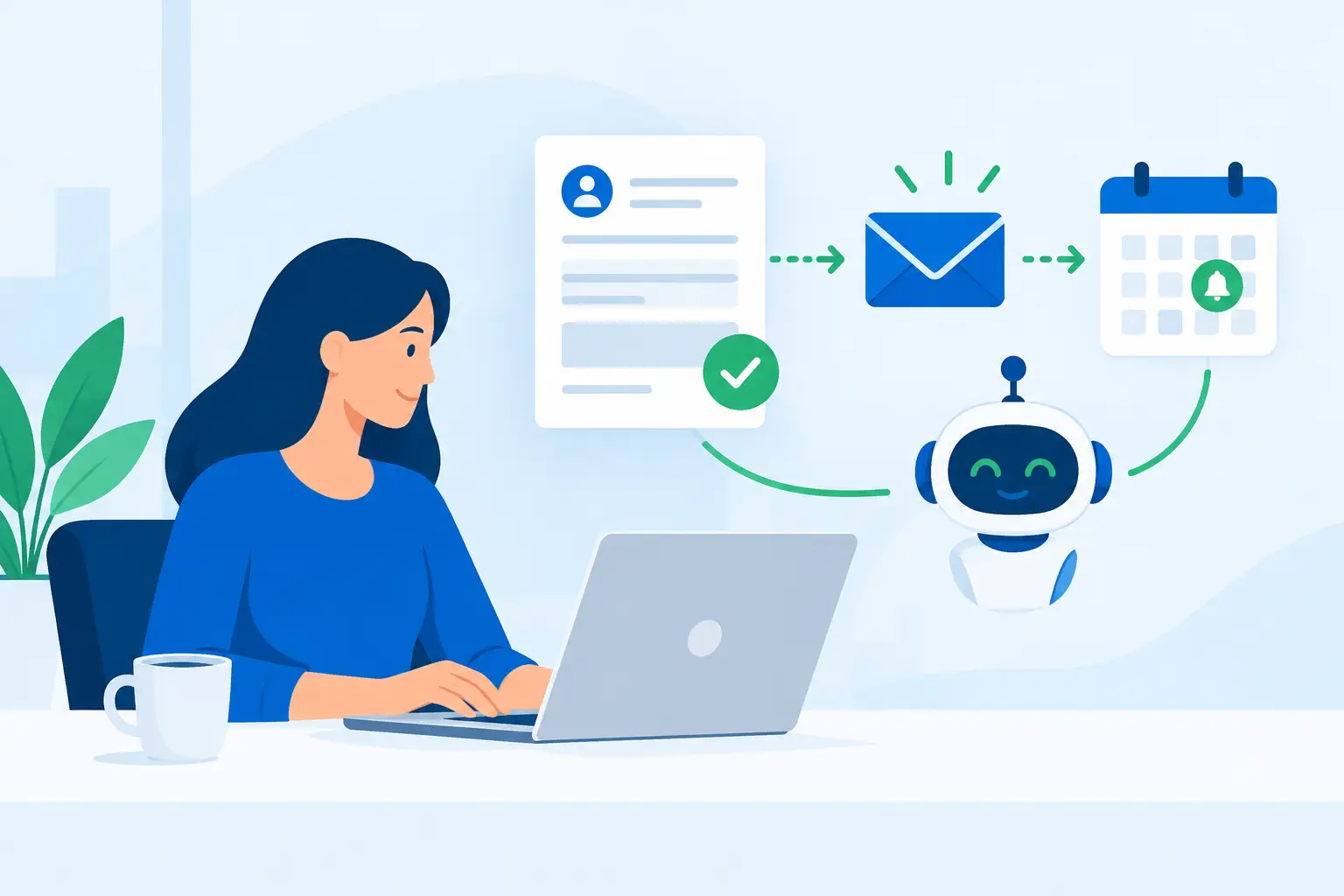
A $2,500 invoice that sits unpaid for 30 days is not just an accounting issue. It is cash you cannot use for payroll, ad spend, payroll taxes, or the next hire. The problem usually is not that clients refuse to pay. It is that nobody owns the follow-up until the balance becomes uncomfortable. Learning how to automate billing reminders fixes that gap without turning your team into a collections department.
The right system sends the right message at the right time, stops when payment arrives, and flags only the exceptions that actually need a human conversation. That is the goal: recover cash faster while removing low-value chasing from your team’s week.
Start With the Cost of Manual Follow-Up
Before choosing software or writing an email, calculate what the current process costs. Look at the number of overdue invoices each month, the average invoice value, average days outstanding, and the staff time spent checking accounts and sending follow-ups.
Say an office manager spends six hours a week reviewing invoices, copying payment links, and asking account owners whether a client has paid. At a fully loaded cost of $35 an hour, that is more than $10,000 a year in labor before you account for delayed cash flow. If even $20,000 in receivables are routinely 30 days late, the operational drag is bigger than most owners realize.
This math also keeps the project honest. Automation is not valuable because it uses AI or because it looks polished. It is valuable when it reduces days sales outstanding, recovers overdue dollars, or eliminates paid admin time. If you cannot measure one of those outcomes, do not build a complicated system around it.
How to Automate Billing Reminders Step by Step
A billing reminder workflow should follow the invoice lifecycle, not a generic email schedule. A monthly retainer, a medical balance, a legal invoice, and a contractor progress payment may need different timing and tone. The underlying structure is still the same.
1. Clean up invoice data first
Automation can only act on the information it receives. Every invoice needs a correct client contact, due date, amount, status, payment method, and account owner. If payments are recorded in one system while reminders run from another, build the connection before turning messages on.
Also decide who should receive the notice. The person approving work is often not the person paying invoices. For business clients, include the accounts payable contact when possible and copy the relationship owner only when an account becomes overdue. Sending every reminder to everyone from day one creates noise and can damage a good relationship.
2. Set a practical reminder sequence
Most service businesses need a sequence with four to six touchpoints. The exact cadence depends on your payment terms and client type, but a reliable starting point looks like this:
- A friendly notice 7 days before the due date, with the invoice amount, due date, and payment instructions.
- A due-date reminder that assumes good intent and makes payment easy.
- A short overdue reminder 3 to 5 days after the due date.
- A firmer follow-up 10 to 14 days overdue, notifying the client of the next step if payment is not received.
- An internal escalation at 21 or 30 days overdue for a team member to call, pause work, or resolve a disputed invoice.
Do not send a vague message asking clients to “check on” an invoice. Include the invoice number, amount due, original due date, accepted payment methods, and a direct way to pay. The fewer clicks and questions required, the faster you get paid.
3. Use conditional rules, not a blind drip campaign
This is where many reminder systems fail. They keep sending notices after a client has paid, send the same message to a client with an open dispute, or escalate a long-term client before the account manager has had a chance to intervene.
Your workflow needs clear stop conditions. When an invoice is marked paid, all future reminders stop immediately. When a payment plan exists, the client moves into a separate sequence based on the agreed dates. When a client disputes an invoice, automation should notify the right team member and pause collection messages until the issue is resolved.
For higher-value accounts, add a rule based on invoice size. A $300 late invoice may stay in the automated sequence. A $15,000 invoice that is five days late should create an internal task for the founder, controller, or account lead. Automation should handle repetition, not replace judgment where the financial stakes are high.
4. Match the message to the relationship
A reminder should be direct, not passive-aggressive. Start by assuming the invoice was missed, especially during the first two notices. Most delays come from an email buried in an inbox, an approval bottleneck, or a client who needs a new payment link.
As the balance ages, the language can become firmer. State the action you will take and the date you will take it. That might mean pausing a recurring service, adding a late fee already defined in your agreement, or moving the account to a call queue. Never automate threats you are unwilling or unable to enforce.
The sender matters too. Early reminders can come from a billing address. Later messages often perform better when they come from a recognizable person at the company, particularly in relationship-driven businesses such as agencies, clinics, law firms, and contractors. This is a trade-off: more personal messages can improve response rates, but they should be reserved for the accounts worth the extra attention.
5. Build an escalation path for your team
The final reminder should not be the end of the process. It should trigger a decision. Create a simple internal queue that tells your team what happened, what the client has received, the outstanding balance, and the recommended next action.
For example, a 21-day overdue invoice could automatically create a task for the account owner with a call script and a deadline. At 30 days, it could notify leadership and flag the client’s service status. If you have recurring work, the system can also check whether unpaid balances should block new project milestones, appointment confirmations, or future deliverables.
Keep the approval step human when it affects service delivery. Automatically shutting off a valuable client over a small invoice may cost more than the invoice itself. But letting balances age indefinitely because nobody wants to make a decision is just as expensive.
Choose Tools Based on Your Current Billing Process
The best tool is usually the one that can read payment status accurately and trigger actions without manual exports. If your accounting platform already supports invoices, payment links, and reminder rules, start there. Adding another platform before fixing your billing process often creates more handoffs, not fewer.
You may need a separate automation layer when your workflow spans multiple systems. For instance, your invoicing platform may need to update a CRM, create a task in a project management tool, notify a specific account manager, and log the outcome in a client record. That is where a tailored workflow earns its keep.
AI can help draft message variations, classify inbound payment questions, and route common replies such as “please resend the invoice” or “we need a W-9.” It should not independently negotiate payment terms, waive fees, or decide whether a client’s account should be suspended. Those choices need business rules and human accountability.
Track the Numbers That Prove It Is Working
Do not judge success by how many reminders the system sends. Track average days to payment, total receivables past due, percentage of invoices paid before the first overdue notice, recovered dollars from overdue accounts, and staff hours removed from follow-up.
Review the workflow after 30 days. If many clients pay after the first overdue message, your pre-due reminder may be too early or too easy to ignore. If clients regularly reply with questions about how to pay, the payment experience is the problem, not the reminder cadence. If the same accounts become overdue every month, the answer may be deposits, autopay, revised terms, or a different client qualification standard.
That is the real advantage of automation. It exposes recurring operational problems instead of allowing your team to patch them manually every month.
A good billing reminder system should feel almost invisible to clients who pay on time and impossible to ignore for balances that need attention. Want to know exactly where automation could recover hours and overdue dollars in your business? Book a free call with Nils Digital’s automation team.



