Custom Automation vs Software Subscriptions
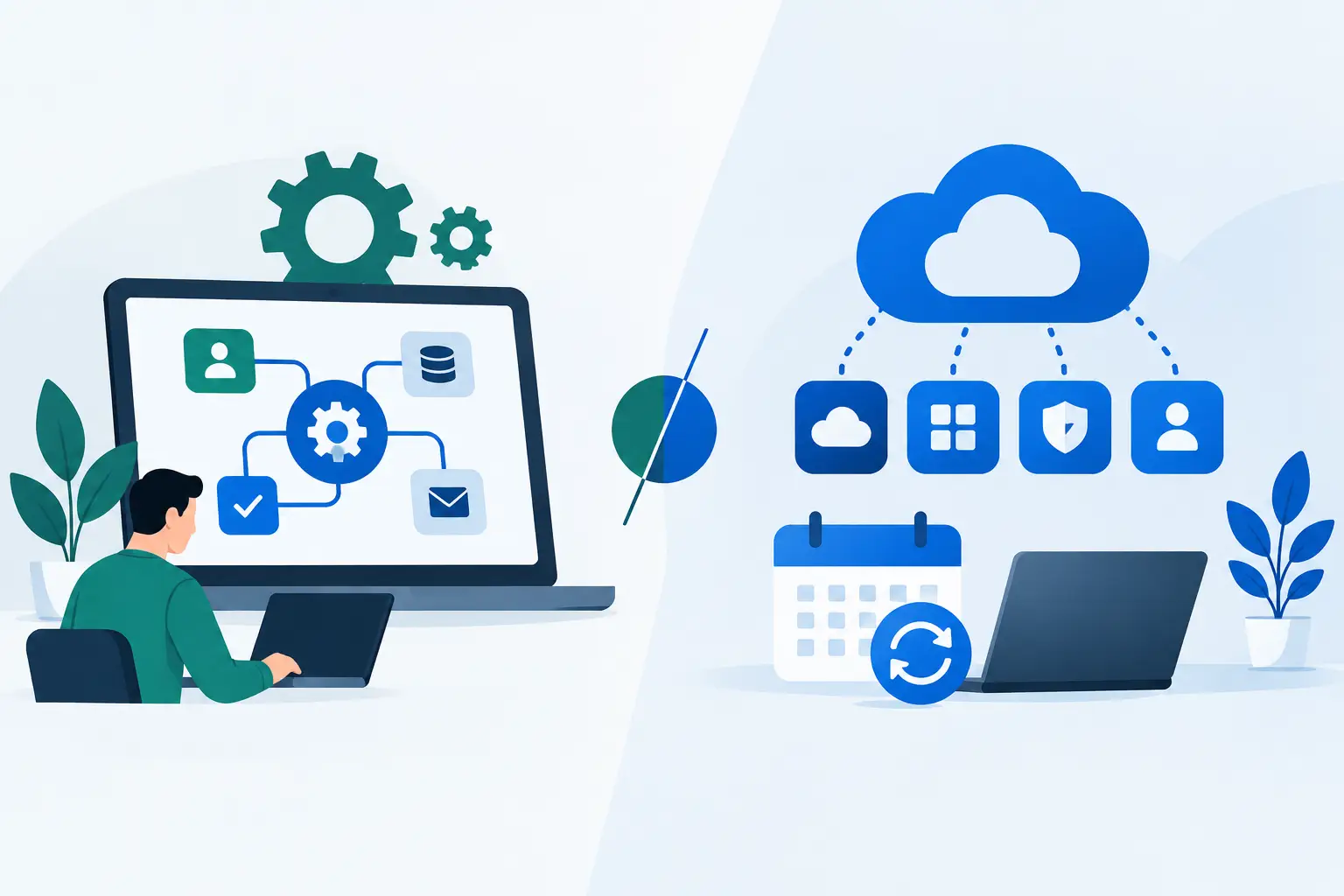
A $99-per-month tool can look like a responsible decision right up until your operations manager spends six hours a week forcing it to fit the way your business actually works. That is the real question behind custom automation vs software subscriptions: not which option has the flashier AI feature, but which one removes enough labor, errors, and missed revenue to pay for itself.
For service businesses, software subscriptions are often the first answer to a growing problem. Leads are slipping through follow-up. Client onboarding lives in inboxes. Invoices go out late. Staff members copy the same details across three systems. Buying a tool feels faster than redesigning the workflow.
Sometimes it is faster. Sometimes it creates another login, another monthly bill, and another process your team has to work around. The right choice depends on the financial cost of the problem, how unusual your workflow is, and whether the software can eliminate work rather than simply organize it.
The real cost is not the subscription price
Most owners compare options the wrong way. They compare a monthly subscription to a one-time custom build, then assume the subscription is cheaper because the initial number is smaller.
That ignores the cost of manual exceptions.
Say a $300-per-month platform handles appointment reminders, but your team still manually checks scheduling conflicts, tags no-shows, updates the CRM, and alerts the right account manager. If that takes a coordinator five hours a week at a fully loaded cost of $35 an hour, the remaining manual work costs roughly $700 a month. Add the software, and the real cost is $1,000 monthly before you count mistakes or missed appointments.
A custom workflow may cost more upfront, but it can connect the scheduling platform, CRM, inbox, payment system, and internal alerts around the exact handoffs that create the waste. The comparison is not $300 per month versus a project fee. It is ongoing labor drag and lost revenue versus the cost to remove them.
If we cannot back a recommendation with math, it does not belong in the plan.
When software subscriptions are the smart choice
Software is not the enemy. A solid subscription is usually the right move when the process is common, stable, and already fits how the platform works.
A basic CRM, accounting platform, team chat tool, e-signature system, or scheduling calendar solves a standard business need. You do not need custom code to send a contract for signature or collect a standard invoice. Trying to custom-build a commodity function is often slow, expensive, and hard to maintain.
Subscriptions also work well when your process is still changing. If you are testing a new service line, changing your sales model, or hiring into a new department, it makes little sense to automate every step before you know what the final process should be. Use the software to establish a repeatable operating rhythm first.
The warning sign is when your team starts building a shadow operation around the tool. That looks like spreadsheets used to correct CRM records, Slack messages used to trigger work that should be assigned automatically, or a staff member who is the only person who knows how to make four platforms talk to each other. At that point, the subscription is no longer solving the operational problem by itself.
Where custom automation earns its keep
Custom automation makes sense when a repeated workflow has meaningful financial consequences and off-the-shelf software leaves expensive gaps.
Consider a multi-location clinic. A patient inquiry might require an immediate response, insurance intake, eligibility review, appointment scheduling, form collection, reminder sequences, internal task assignment, post-visit follow-up, and payment chasing. Each platform may do one piece well. The problem is the handoff between them.
A tailored automation can route the inquiry, create the patient record, assign the right staff member based on location or service, flag missing documents, stop reminders when an appointment is confirmed, and escalate unresponsive leads before they go cold. It does not replace the systems that already work. It removes the repetitive coordination work between them.
The same pattern shows up in law firms, real estate teams, agencies, compliance providers, home service companies, and professional services. The highest-value automation is rarely a chatbot for the sake of having AI. It is the process that keeps a qualified lead from waiting 18 hours for a reply, prevents a new client from starting without required documents, or gets an overdue invoice in front of the right person before cash flow tightens.
Custom work is most justified when one of three things is true: the process is unique to your business, the failure rate is expensive, or the manual volume is high enough to create a clear payback period.
Custom automation vs software subscriptions: use a financial filter
Before buying another tool or commissioning a build, quantify the process in plain numbers. Start with volume. How many times does the workflow happen each week? Then measure labor. How many minutes does each occurrence require, including checking, chasing, correcting, and updating other systems?
Next, identify the cost of failure. A late proposal may cost a $10,000 project. A missed onboarding task may create a refund, delay billing, or damage retention. A mislabeled lead may be less dramatic, but repeated hundreds of times, it becomes payroll waste.
Use a simple calculation:
Monthly opportunity = hours recovered x fully loaded hourly cost + revenue protected or recovered.
If a workflow saves 30 hours a month at $40 per hour, that is $1,200 in recoverable labor. If better follow-up brings in one additional $2,500 client each month, the monthly opportunity is $3,700. A $5,000 automation project with modest maintenance pays back quickly in that scenario. A $5,000 project to save two hours a month does not.
This is also how to avoid automating a bad process. If nobody can explain who owns a step, what triggers it, or what a successful outcome looks like, do not automate it yet. Fix the workflow first. Otherwise, you will make a messy process happen faster.
The hidden trade-offs owners should expect
Subscriptions offer predictable pricing and vendor support, but they can create vendor lock-in, feature bloat, and rising per-user costs as your staff grows. Their rules are built for the average customer. If your business needs an exception, you may have to accept a workaround or change your process to fit the tool.
Custom automation gives you control over the logic and the handoffs. It can match how your team qualifies leads, delivers services, handles approvals, and collects payment. But it requires a clear owner, documentation, monitoring, and someone accountable when a connected platform changes its settings.
That does not mean every custom solution needs to be a fragile, one-off technical project. The best implementations use reliable systems where they make sense, then add custom logic only where the financial leak exists. Keep the CRM. Keep the scheduling tool. Keep the payment processor. Build the bridge that eliminates the manual work between them.
The wrong approach is buying five subscriptions because each one promises a partial fix. The other wrong approach is paying for a custom build before you know whether the bottleneck is actually worth fixing.
A better decision process
Start by mapping one workflow from trigger to finished outcome. Do not map what the team says happens. Map what actually happens, including every spreadsheet, inbox search, reminder, approval, and re-entry of information.
Then rank the bottlenecks by dollars, not annoyance. The task your team complains about most may not be the one costing the most. A five-minute follow-up task that loses high-value leads can matter more than a two-hour internal reporting task that happens once a month.
For each bottleneck, ask whether existing software can solve it with a simple configuration. If yes, use the software. If it needs people to constantly bridge systems, make judgment-free data transfers, or remember time-sensitive follow-ups, assess a custom automation.
Finally, set a payback threshold before work begins. Decide what return would make the project worthwhile within three, six, or 12 months. This protects you from buying AI because everyone else is talking about AI.
Across its last 30 audits, Nils Digital identified more than $2.4 million in recoverable value. That did not come from recommending automation everywhere. It came from finding where manual work, delayed handoffs, and disconnected systems were costing real money, then ranking the fixes by impact.
The best operational stack is not the one with the most logos on the dashboard. It is the one where your people spend their time serving clients, closing business, and solving problems that require human judgment.
Want to know exactly where AI and automation could save you 20+ hours a week? Book a free call with Nils Digital's automation team. Bring the workflow that is slowing you down. We will help you put a number on it before you spend another dollar.



